







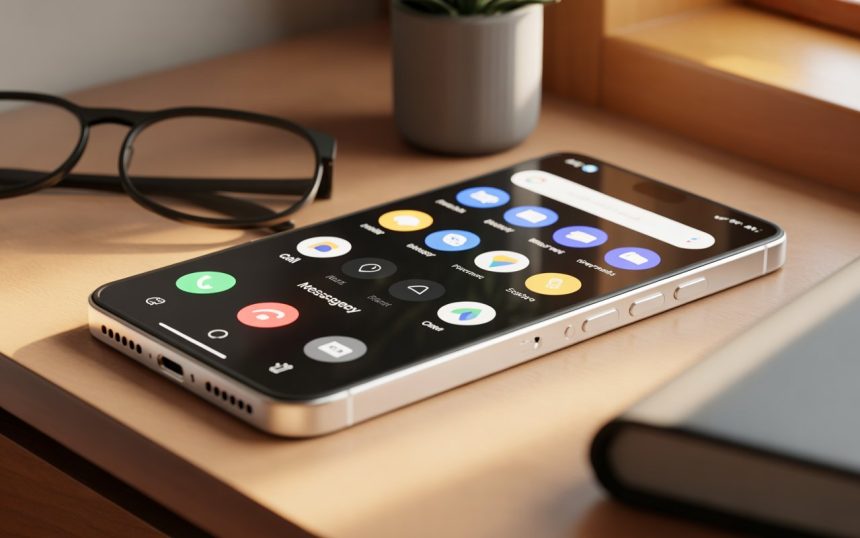
Staying connected has never been more important—especially for older adults. But technology isn’t always senior-friendly. Touchscreens can be confusing, menus feel cluttered, and small icons make it hard to navigate. That’s where picture phones for seniors come in, offering a simple, visual-based way to stay in touch with loved ones. These phones replace complicated contact lists with large photos, making calling as easy as pressing a familiar face.
In this in-depth guide, we’ll explore what picture phones are, why they’re useful, how they benefit seniors, and how to choose the right one. By the end, you’ll understand exactly why these devices have become a lifeline for many families.
1. Understanding Picture Phones for Seniors
Picture phones are designed to reduce the frustration that comes with complicated smartphones. Instead of scrolling through tiny icons or typing numbers, a senior can simply press a picture to call someone. Think of it like having a traditional photo album—but each picture can dial the person instantly.
Why this matters
For seniors with memory loss, poor vision, or limited dexterity, standard phones can be overwhelming. Picture phones remove all unnecessary steps and allow communication with just a touch.
2. Why Simplicity Matters in Senior Communication
Communication shouldn’t feel like solving a puzzle. Many older adults grew up in a world of rotary phones, landlines, and buttons—not multitasking devices. The easier the phone is to use, the more confident and independent seniors feel.
The cognitive load factor
Every extra icon, menu, or prompt adds mental strain. Picture phones reduce this “cognitive load,” helping seniors feel in control rather than frustrated.
3. Key Features That Make Picture Phones Senior-Friendly
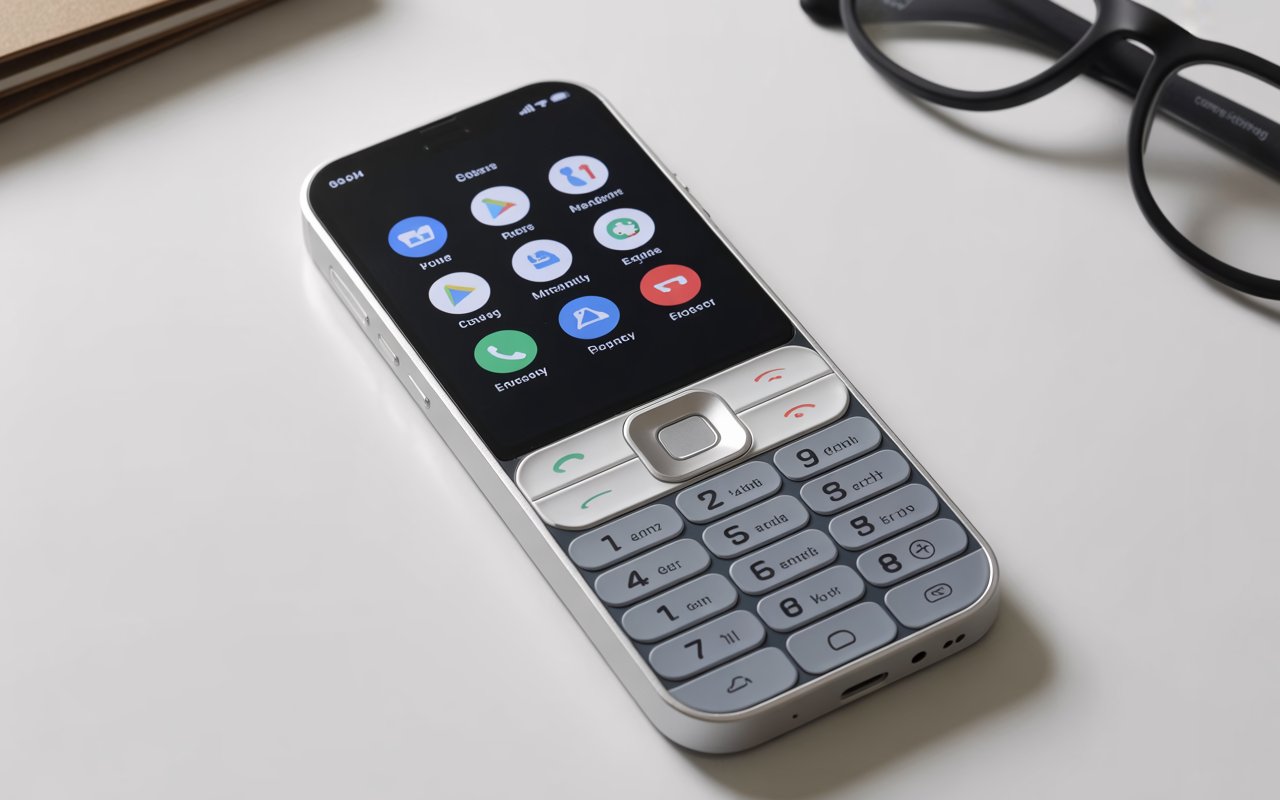
Not all devices labeled “easy” truly are. A good picture phone includes thoughtful features that support senior needs.
Simple One-Touch Dialing
Large, clear photos that start the call instantly.
Loud, Clear Sound
Enhanced volume ensures no conversation goes unheard, especially for those with hearing challenges.
Large Buttons and Displays
Bigger text and spacious layouts reduce eye strain.
Emergency Call Function
A dedicated SOS button gives peace of mind to both seniors and caregivers.
Minimal Menus
Some models don’t even have apps—just photos and essential settings.
4. Benefits of Picture Phones for Seniors
Picture phones do more than simplify communication—they enhance quality of life.
Boosts Independence
With easy dialing, seniors don’t need constant help from family members.
Reduces Stress
No fear of pressing the wrong button or getting “lost” in settings.
Improves Social Connection
Talking becomes effortless, which reduces feelings of isolation.
Great for Memory Support
Photos help seniors recognize contacts quickly, especially those with dementia or Alzheimer’s.
5. Seniors Who Benefit the Most from Picture Phones
While any older adult can enjoy an easy phone, certain groups see outstanding improvements.
Seniors with Dementia
Visual cues are easier to process than text or numbers.
Those with Vision Impairment
Large images and increased contrast make navigation simple.
People with Arthritis or Weak Grip
Bigger buttons are easier to press without strain.
Tech-Avoidant Seniors
Even those who dislike smartphones find picture phones unintimidating.
6. Types of Picture Phones Available Today
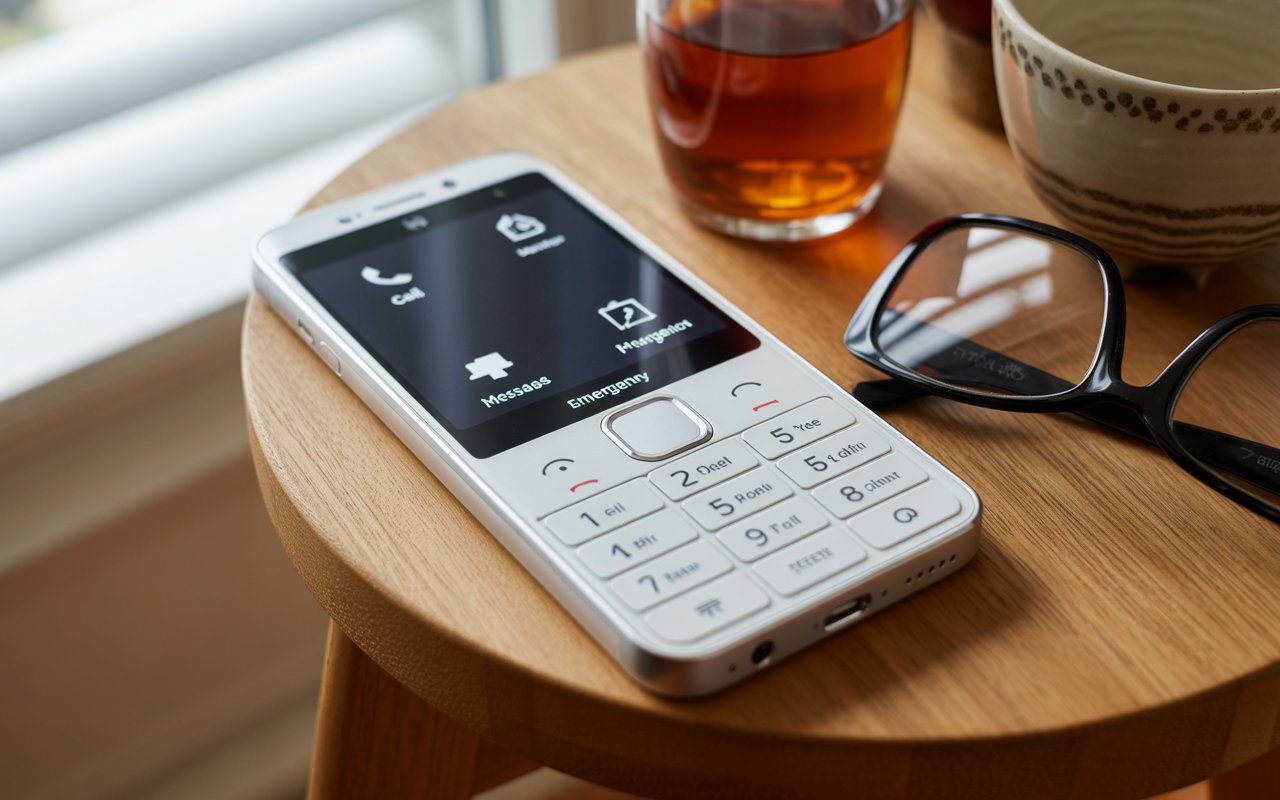
Picture phones come in different forms to match individual needs and lifestyles.
A. Picture Landline Phones
These traditional home phones have physical photo buttons—ideal for seniors who prefer familiar devices.
B. Picture Mobile Phones
Basic mobile phones with image-based contact buttons.
C. Smartphone-Style Picture Phones
These look like smartphones but include a simplified interface with photo tiles.
Each type offers unique benefits, and choosing the right one depends on mobility, comfort level, and daily routine.
7. How to Choose the Right Picture Phone for a Senior
Picking the perfect phone requires understanding the senior’s abilities, preferences, and environment.
1. Consider Vision Needs
If the user has low vision, look for:
-
High-contrast displays
-
Oversized icons, text, and buttons
-
Bright, glare-free screens
2. Assess Hearing Needs
Choose a model with:
-
Amplified speakers
-
Adjustable volume
-
Clear sound quality
3. Evaluate Cognitive Ability
For seniors with memory loss, fewer screens and options are best.
4. Check Dexterity Level
Soft-touch buttons and larger spacing help avoid mis-presses.
5. Think About Portability
Do they prefer a home-based phone or something they can carry around?
6. Involve the Senior in the Decision
Let them hold the phone, press the buttons, and test it out.
8. Setting Up a Picture Phone: A Step-by-Step Guide
Setting up one of these devices is simpler than configuring a full smartphone, but there are still steps to ensure it works smoothly.
Step 1: Choose the Best Photos
Use clear, smiling photos of loved ones. Avoid group pictures to prevent confusion.
Step 2: Label Photos if Needed
A small label like “Maria – Daughter” can help with memory recall.
Step 3: Add Essential Contacts First
Start with 3–6 key people:
-
Family
-
Doctor
-
Neighbor
-
Caregiver
Step 4: Test Call Quality
Ensure they can hear well and understand the controls.
Step 5: Demonstrate the SOS Feature
Make sure the senior knows how to use it in emergencies.
9. Tips for Helping Seniors Adapt to Their Picture Phone
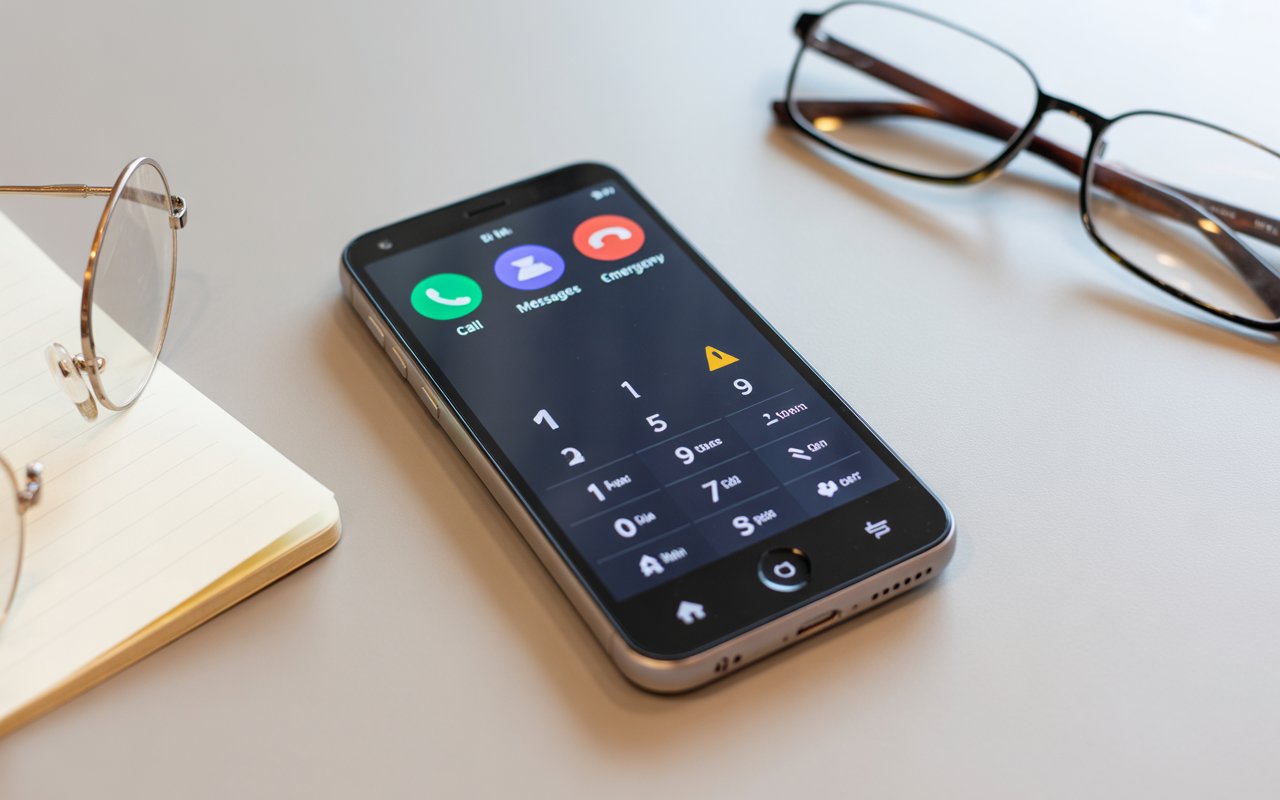
Even with a simple phone, seniors may still need guidance.
Practice Together
Repetition builds confidence.
Use Positive Encouragement
Celebrate progress to reduce fear and hesitation.
Keep Instructions Visible
A small reminder card near the phone can help seniors remember what to do.
Update Photos Occasionally
New photos keep the interface recognizable and enjoyable.
10. Common Challenges and How to Overcome Them
Even with user-friendly devices, small hurdles may arise.
Challenge 1: Pressing the Wrong Photo
Solution: Limit the contact list to 4–6 essential numbers and use large, distinct pictures.
Challenge 2: Forgetting How to Use the Phone
Solution: Provide short verbal reminders or attach a printed guide near the phone.
Challenge 3: Low Volume or Hearing Difficulties
Solution: Adjust audio settings, or consider pairing with a hearing aid-compatible model.
Challenge 4: Visual Confusion
Solution: Use high-contrast color backgrounds and clear face photos.
11. Safety and Emergency Preparedness with Picture Phones
Picture phones often include built-in safety features that help during emergencies.
The SOS Button
Pressing the button can instantly call emergency services or a designated family member.
Fall Detection (in some models)
Some advanced options detect motion changes and contact help automatically.
Location Tracking
Caregivers can locate the user if the phone is GPS-enabled.
These features add a layer of security without overwhelming seniors.
12. Are Picture Phones Better Than Regular Smartphones?
Smartphones offer apps, messages, internet browsing—but at the cost of complexity. Picture phones, however, focus on one thing: easier calling.
When Picture Phones Win
-
For memory issues
-
For impaired vision
-
For tech-shy seniors
-
For those who mainly need calling
Where Smartphones Excel
-
Video calling
-
Internet browsing
-
Social apps
It all depends on the senior’s comfort level. For many, picture phones feel less like technology and more like a familiar tool.
FAQs
1. Are picture phones good for seniors with dementia?
Yes. The visual cues and simplified interface help those with memory loss recognize contacts easily and call without confusion.
2. Can picture phones work without the internet?
Many models, especially landline types, don’t need internet at all. Mobile versions may require cellular service.
3. How many contacts can be added to a typical picture phone?
Most basic models allow 4–8 photo contacts. Smartphone-style picture phones can store more.
4. Do picture phones come with an emergency SOS button?
Many models include an SOS button that immediately calls emergency services or a designated family member.
5. Are picture phones expensive compared to regular phones?
Prices vary, but basic picture phones are often more affordable than smartphones because they focus on essential features only.
Conclusion
Picture phones for seniors are more than just gadgets—they are bridges that reconnect loved ones. Whether for independence, clarity, or peace of mind, these simple devices play a powerful role in keeping communication easy and stress-free. By choosing the right phone and guiding the senior gently through its use, families can create stronger bonds and ensure that staying connected never feels like a struggle.