






The internet has become our gateway to everything — from watching videos to managing businesses and connecting with the world. And the key to this digital experience? The web browser. Among the top contenders, Microsoft Edge has steadily climbed the ranks to become one of the most powerful, fast, and secure browsers available today.
But what makes Edge stand out in a world dominated by Chrome, Safari, and Firefox? Let’s dive into everything you need to know — from its features and history to how it enhances productivity, security, and overall browsing comfort.
What Is Microsoft Edge?
Microsoft Edge is the official web browser developed by Microsoft. It’s designed to replace the older Internet Explorer and provide users with a modern, fast, and user-friendly browsing experience.
Launched in 2015 alongside Windows 10, Edge was originally built on Microsoft’s proprietary EdgeHTML engine. However, in 2020, Microsoft made a smart move by rebuilding Edge on Chromium, the same open-source platform that powers Google Chrome.
This shift gave Edge better speed, broader compatibility, and access to a vast range of extensions while maintaining its own unique features.
A Brief History: From Internet Explorer to Edge
If you’ve been using the internet since the early 2000s, you probably remember Internet Explorer (IE). Once a giant in the browser world, IE eventually fell behind as competitors like Chrome and Firefox took over.
Microsoft recognized that a fresh start was needed — something faster, lighter, and more adaptable to modern web standards. And thus, Microsoft Edge was born.
Over time, Edge evolved from a Windows-only browser into a cross-platform powerhouse available on macOS, Android, iOS, and even Linux.
The Chromium Connection: Why It Matters
When Microsoft adopted Chromium in 2020, it wasn’t just a technical change — it was a transformation. Chromium brought Edge:
-
Improved compatibility with modern websites.
-
Access to Chrome Web Store extensions.
-
Enhanced performance with faster page loading and smoother rendering.
-
Better developer tools for web professionals.
In essence, Microsoft took the best parts of Chrome but built them into a more privacy-conscious and integrated experience.
Key Features That Make Microsoft Edge Stand Out
Let’s explore what makes Edge more than “just another browser.”
1. Lightning-Fast Performance
Speed matters, especially when multitasking online. Edge uses resource optimization to consume less RAM than Chrome, leading to faster performance — especially on devices with limited memory.
2. Enhanced Security and Privacy
Privacy has become a top concern for internet users. Microsoft Edge offers several tools to protect your data:
-
Tracking Prevention: Blocks unwanted trackers automatically.
-
Microsoft Defender SmartScreen: Detects phishing sites and malicious downloads.
-
Password Monitor: Alerts you if your saved credentials are leaked online.
It’s like having a personal bodyguard for your online activities.
3. Built-In Productivity Tools
Edge integrates tools that boost productivity — both for casual users and professionals:
-
Collections: Lets you organize web content into visual folders.
-
Vertical Tabs: Makes tab management more intuitive.
-
Sidebar Tools: Gives instant access to calculators, translators, and more.
-
Workspaces: Share browser tabs for group collaboration.
These features transform Edge into more than just a browser — it’s almost a digital workspace.
Microsoft Edge and AI: The Future of Browsing
In 2023, Microsoft introduced AI integration directly into Edge, thanks to its partnership with OpenAI. Users can now access Copilot — a built-in AI assistant — for writing help, summarizing pages, generating ideas, and even coding assistance.
Imagine browsing a long research article and instantly getting a concise summary — that’s what AI in Edge brings to the table.
It’s like having a knowledgeable companion sitting beside you while you browse.
Cross-Device Sync: Seamless Browsing Everywhere
Ever started reading an article on your phone and wanted to continue on your laptop? Microsoft Edge makes that seamless through cross-device sync.
Your favorites, browsing history, passwords, and open tabs sync automatically across devices — as long as you’re signed in with your Microsoft account.
This means your digital world follows you wherever you go — from your PC at work to your smartphone on the go.
Customization: Make Edge Truly Yours
Everyone likes a personal touch, and Edge delivers plenty of customization options:
-
Themes and backgrounds to match your style.
-
Start page layout options (focused, inspirational, informational).
-
Custom new tab experiences with widgets like weather, news, or quick links.
-
Extension compatibility with both Microsoft Add-ons and Chrome Web Store.
Whether you prefer minimalism or a vibrant layout, Edge adapts to your personality.
Edge vs. Chrome: The Ultimate Comparison
While both browsers share the same Chromium base, there are important differences that set them apart.
| Feature | Microsoft Edge | Google Chrome |
|---|---|---|
| Performance | Uses less RAM, faster on low-end PCs | Heavy memory usage |
| Privacy Tools | Built-in tracking prevention | Limited, requires extensions |
| Extensions | Supports Chrome Web Store + Microsoft Store | Chrome Web Store only |
| AI Integration | Built-in Copilot assistant | Requires third-party tools |
| Customization | Rich with themes and sidebar tools | Simple but limited |
In short, if you want Chrome’s power with extra privacy and features, Edge might just be your perfect match.
Security Features: Keeping You Safe Online
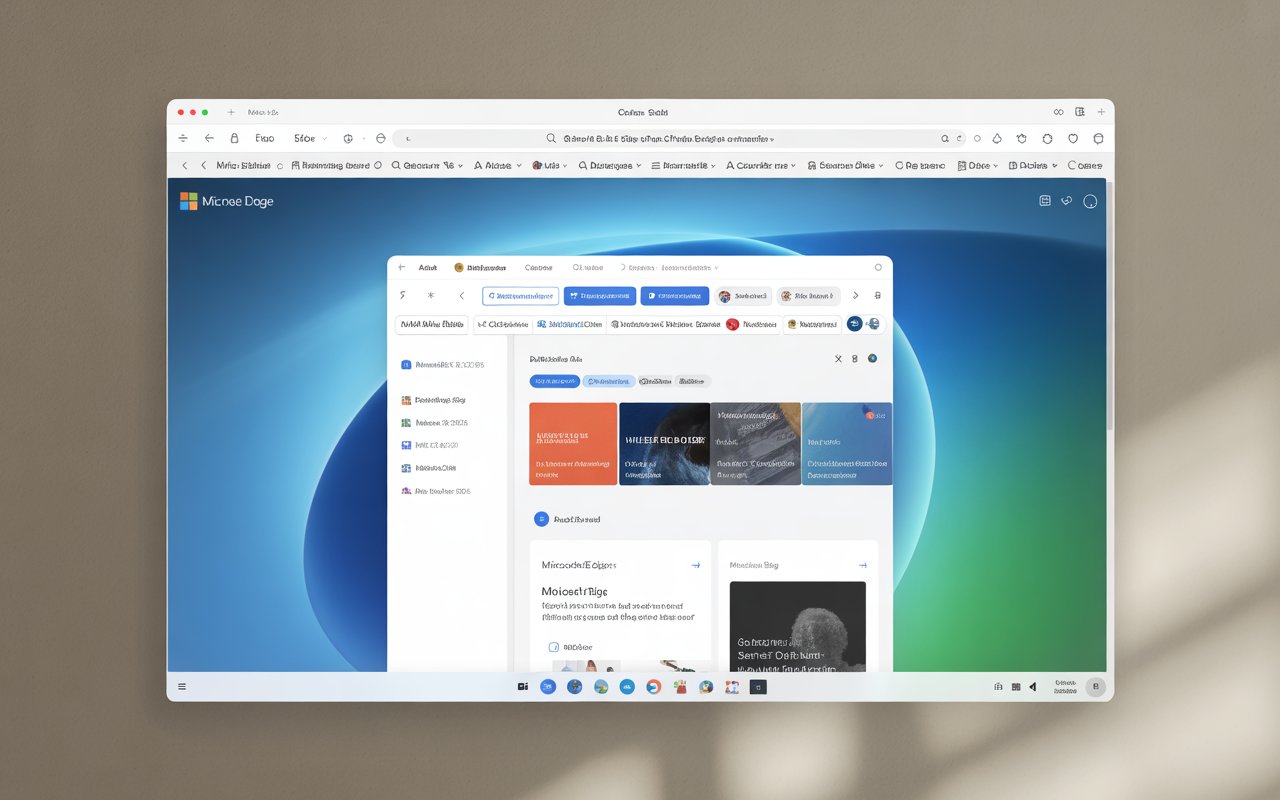
Online threats are growing daily, but Edge steps up with robust protection. Here’s how:
SmartScreen Technology
This feature scans websites and downloads for potential malware and phishing attempts, blocking them before they cause harm.
Tracking Prevention
You can choose between three levels — Basic, Balanced, and Strict — depending on how much privacy you want.
Secure Password Management
Edge’s Password Monitor alerts you if your credentials appear in known data breaches. Plus, autofill makes logging in easier while keeping data encrypted.
Performance and Efficiency: A Power-Saver’s Dream
If you’ve ever noticed your laptop’s battery draining fast while browsing, Edge can help.
The browser’s Efficiency Mode automatically reduces background activity, saving both memory and power. This makes it ideal for laptops, especially during long working sessions or travel.
In fact, independent benchmarks have shown that Edge consumes less battery compared to Chrome — a big plus for mobile users.
For Students and Professionals: A Productivity Gem
Microsoft Edge isn’t just for casual users; it’s a dream tool for learners and professionals.
Immersive Reader Mode
Removes distractions like ads and sidebars to give a clean, book-like reading experience. Perfect for studying or reading long articles.
Web Capture
You can take screenshots of an entire webpage (not just what’s visible) and annotate directly.
Integration with Microsoft 365
If you use Word, Excel, or OneNote, you’ll love Edge’s smooth integration. You can open, edit, or share documents directly from the browser.
Microsoft Edge for Developers
Developers haven’t been left out. Edge comes with advanced DevTools similar to Chrome, but with additional performance insights and accessibility checks.
It’s also optimized for testing web compatibility across multiple platforms — making it an excellent tool for web developers and designers.
Hidden Gems and Lesser-Known Features
Beyond the big highlights, Edge hides some really cool features you might not know about:
-
Kids Mode: A safe environment for children with age-appropriate content filters.
-
Read Aloud: Converts web text to speech with natural voices.
-
Math Solver: Instantly solves mathematical problems from images or typed input.
-
PDF Editor: Lets you view, sign, and annotate PDFs without external software.
These tools make Edge more than a browser — it’s an all-in-one productivity suite.
Edge in the Mobile World
Edge’s mobile app mirrors much of its desktop functionality. You can:
-
Sync bookmarks and passwords.
-
Use the built-in reader mode.
-
Access voice search and translator tools.
It’s sleek, lightweight, and perfectly suited for both Android and iOS users who value continuity and convenience.
Why You Should Consider Switching to Microsoft Edge
Switching browsers can feel like moving houses — inconvenient at first but rewarding in the long run.
Here’s why Edge is worth considering:
-
It’s faster and lighter than many competitors.
-
It offers built-in privacy without needing multiple add-ons.
-
It’s AI-enhanced for smarter browsing.
-
It syncs perfectly with Windows and Office tools.
Think of it as upgrading from an old flip phone to a smartphone — once you switch, there’s no going back.
Frequently Asked Questions (FAQs)
1. Is Microsoft Edge better than Chrome?
Yes, for many users, Edge offers better memory efficiency, privacy controls, and AI features while maintaining compatibility with Chrome extensions.
2. Can I install Chrome extensions on Microsoft Edge?
Absolutely. Edge supports all Chrome Web Store extensions, in addition to those from Microsoft’s own Add-ons store.
3. Does Microsoft Edge track my browsing data?
Edge collects minimal diagnostic data and offers customizable privacy settings, including tracking prevention and data deletion controls.
4. Is Microsoft Edge available on Mac and mobile devices?
Yes. Edge runs smoothly on Windows, macOS, Android, iOS, and Linux, allowing users to sync across all devices.
5. What makes Microsoft Edge different from Internet Explorer?
Edge is built on modern web standards with faster performance, better security, and advanced tools — making it a complete replacement for Internet Explorer.
Conclusion: Microsoft Edge — The Future of Smart Browsing
Microsoft Edge has evolved far beyond its Internet Explorer roots. It’s now a modern, secure, and intelligent browser built for the needs of today’s users — students, professionals, and everyday surfers alike.
With features like AI Copilot, seamless syncing, built-in productivity tools, and enhanced privacy, Edge doesn’t just compete — it leads.
If you haven’t given it a chance yet, now might be the perfect time to explore what this next-generation browser has to offer.